Teachers and tutors
The idea that never quite lands on a slide.
- a lesson to rewatch
- a chapter, summed up
- a study guide
- a flipped-classroom intro
Turn a few words, a link or a document into an explainer video: researched, written, voiced and animated in your style. Then make every frame your own.
Planning a video is free. Minutes from $9, bought once.
Ask for anything A few words, a link or a document. The rest stays on Auto until you pick.
Real films, not mock-ups. Play one with the sound on.
For the classroom, the team, the product and the feed.
The idea that never quite lands on a slide.
The training nobody finished reading.
How it works, before the demo call.
An explainer for every feed.
Written for your topic, drawn in the style you choose, voiced in time, and yours to change after.
It reads what you give it, finds the facts and writes the narration in the story shape that fits. Every number on screen is quoted from its source; what can’t be quoted isn’t said.
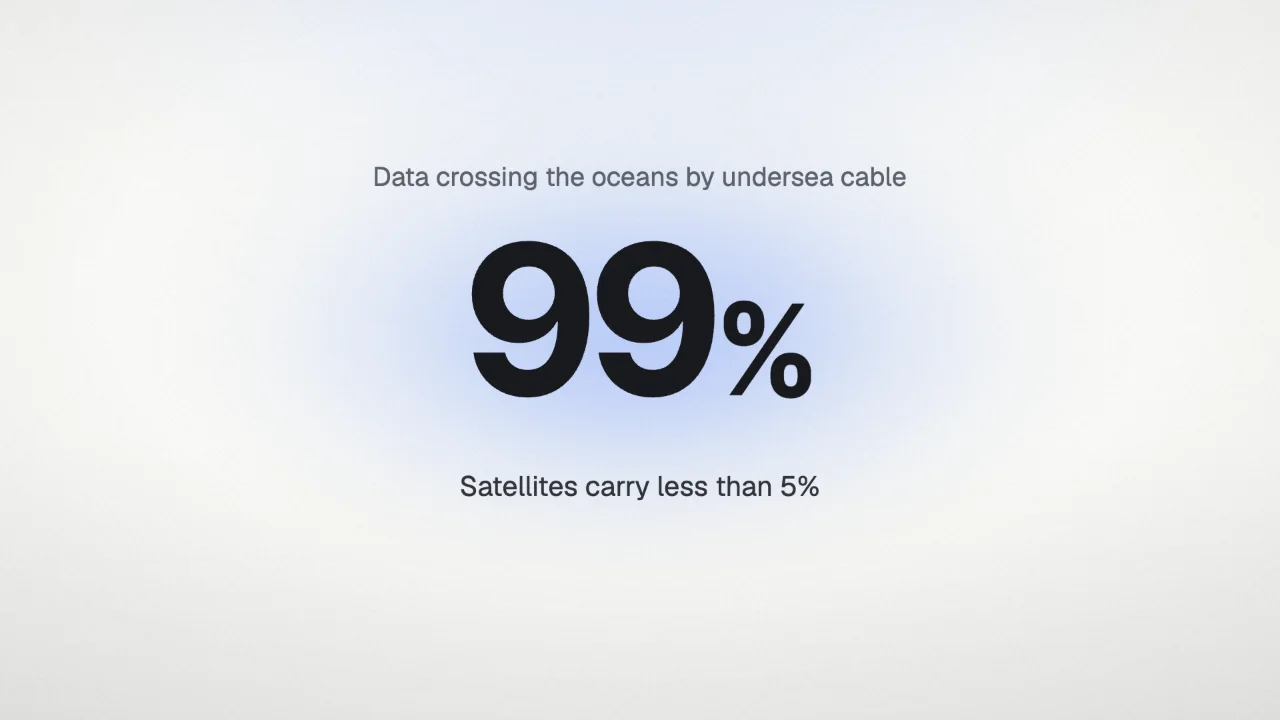
“…carrying 99% of the data traffic across the oceans.”
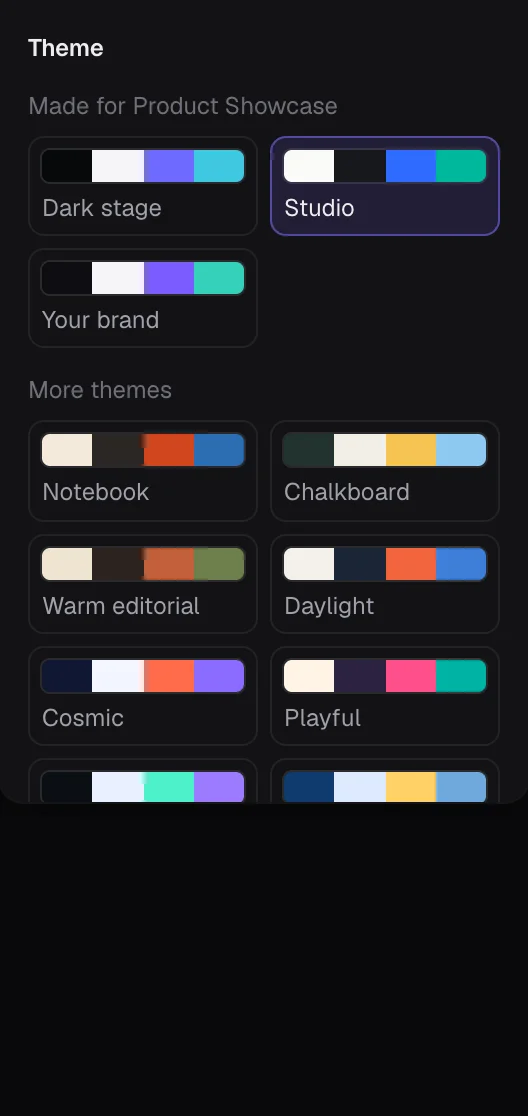
Three styles in thirteen themes, or your own colours and fonts. Switch a finished film to another look and every scene follows.
Natural voices. Each scene lasts as long as its narration, everything on screen arrives on its word, and captions follow along.
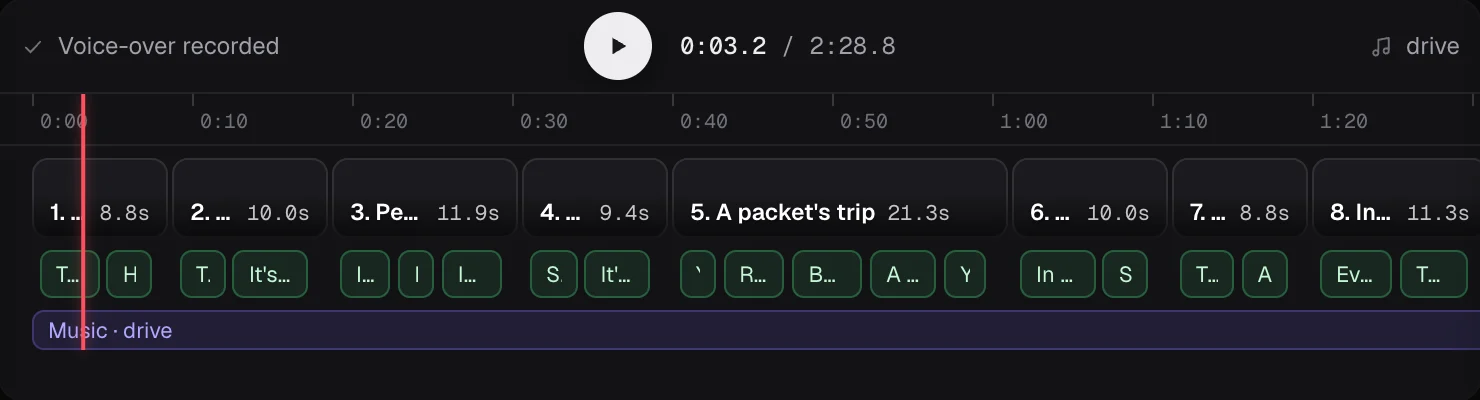
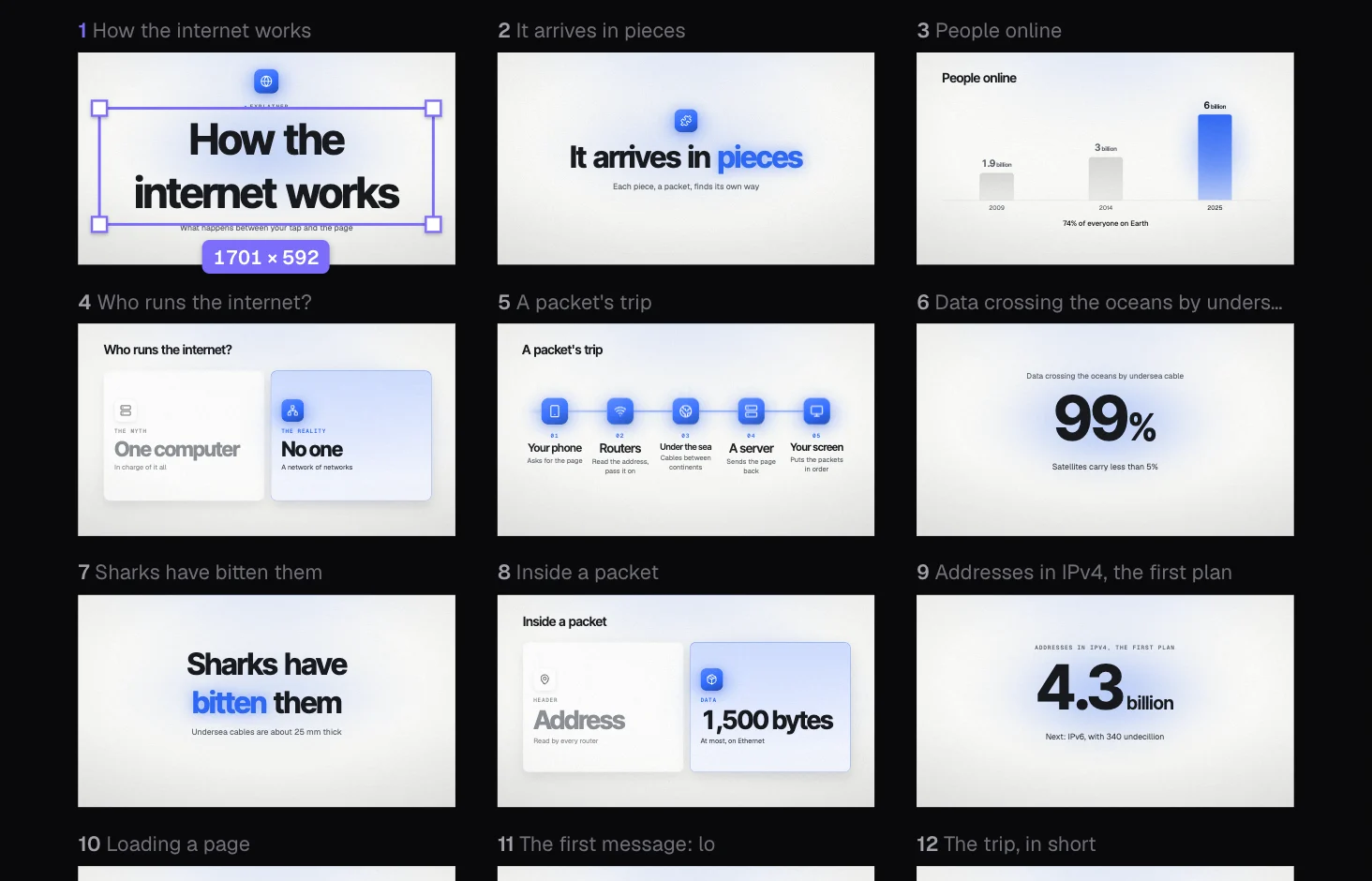
Rewrite a line and only that line is recorded again. Move, resize or recolour anything in design mode, or ask for a scene to change in a sentence.
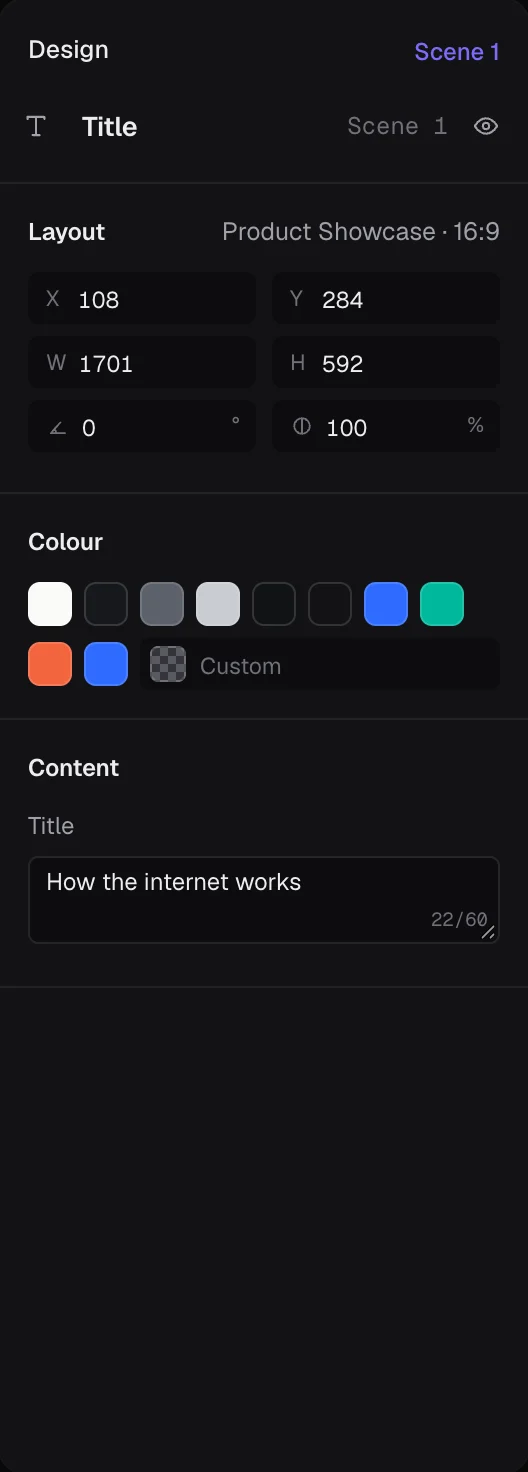
Landscape, vertical, square and portrait from the same film, each laid out for its own frame rather than cropped.
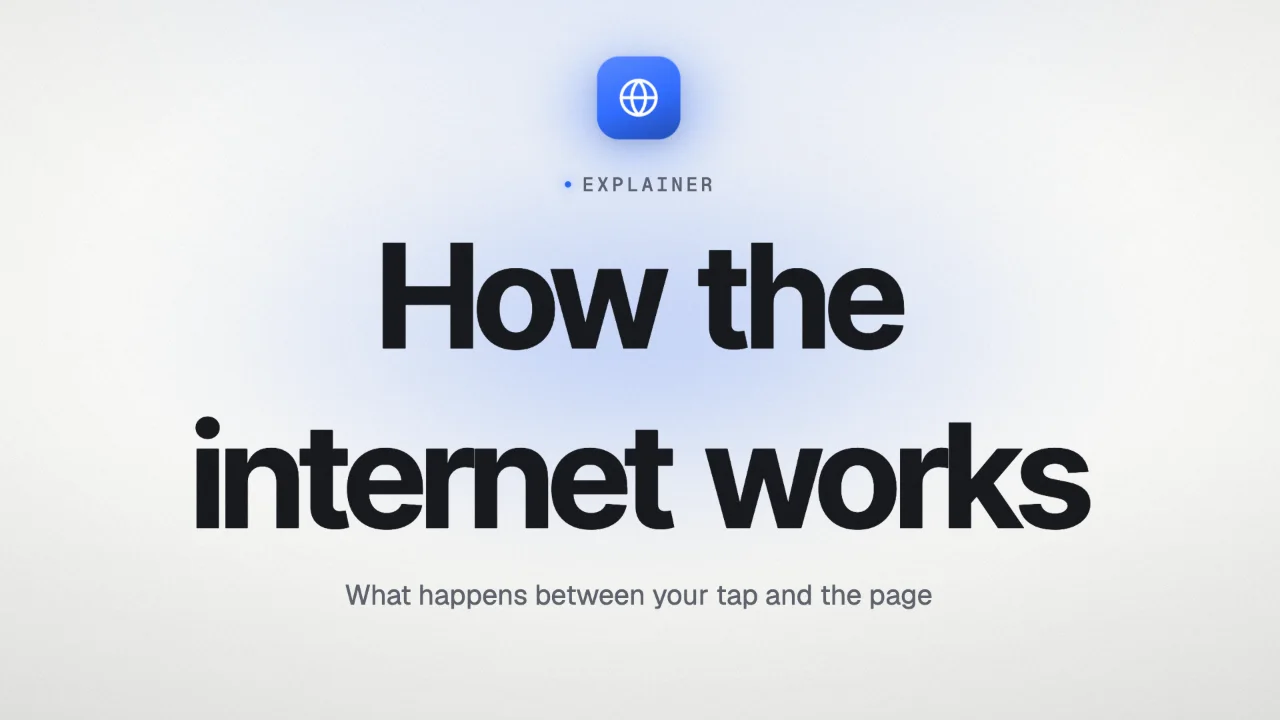
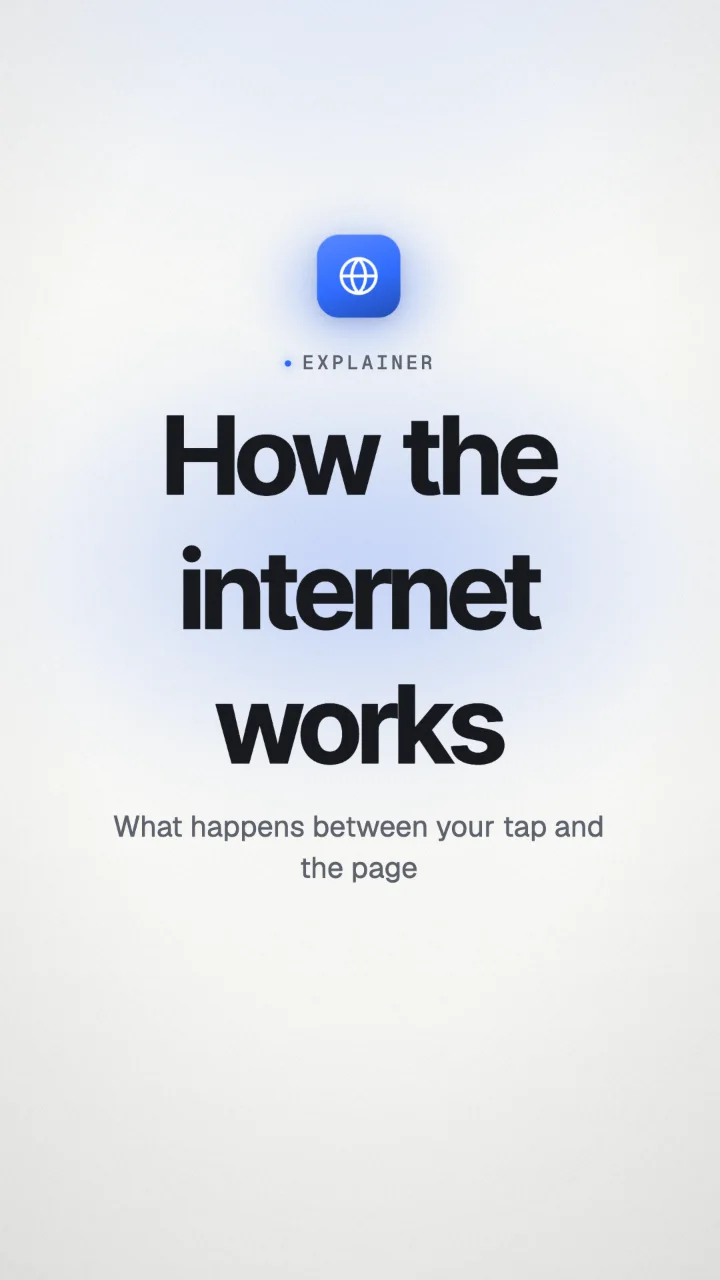
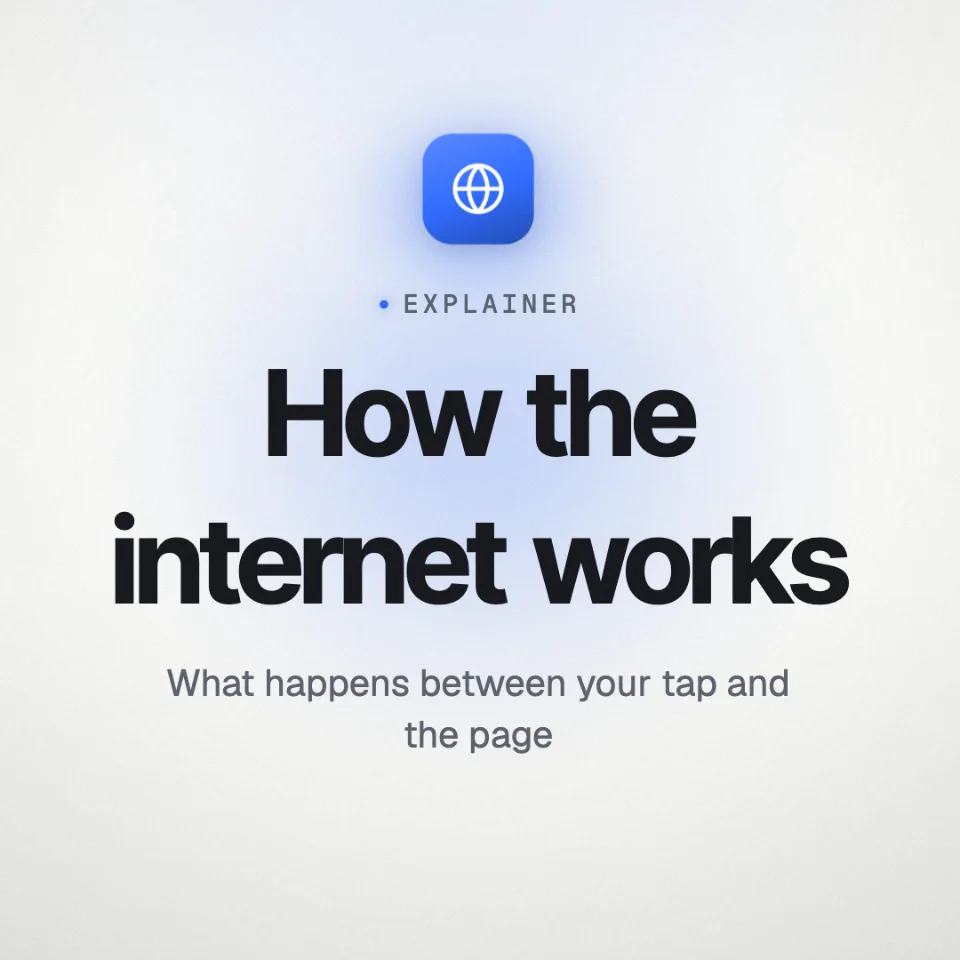
No subscription. The AI, the voices and every format are included, and planning a video is free.
To start with
$1.50 per minute of video
Films up to 2 minutes
Make a videoSave 18% a minute
$1.23 per minute of video
Films up to 5 minutes
Make a videoSave 45% a minute
$0.83 per minute of video
Films up to 5 minutes
Make a videoA film uses its own length. Minutes never run out, and packs add up. Prices in US dollars; payments are handled by Dodo Payments, our merchant of record, which charges any sales tax or VAT due.
A video generator paints footage from a prompt, priced by the second. Every take comes out differently, words on screen can come out garbled, and fixing one shot usually means generating it again. It doesn’t research a topic or write a script. SketchReel writes the explainer from your source, then designs every scene in the style you chose: the words are exact, the numbers are quoted and the voice lands on each word. You can change any part of it afterwards without starting over, and a minute of finished video costs from $0.83.
A few words, a link, a document (PDF, Word, Markdown or plain text), a PowerPoint deck, or anything you paste in: a chapter, an article, your notes.
From what you give it. It finds the facts in your link or document and keeps the sentence each one came from, and every number on screen is quoted from one. Given only a few words, it explains in general terms and states no figure it can’t source.
All of it: the narration and the words on screen, the order and kind of scenes, the style, theme, colours and fonts, and the layout of any frame in design mode. Or ask for a scene to change in a sentence. A line you rewrite is recorded again, the first 20 free.
Planning is free: describe a video and see its plan (the story, length and style) before you buy anything. Minutes come in packs from $9, bought once. They never run out, and a video uses only its own length.
English, Spanish, French, German, Portuguese, Italian, Dutch, Polish, Turkish, Indonesian, Russian, Hindi, Arabic, Japanese, Korean and Chinese. A film is written, voiced and captioned in one of them, and can be copied into another.
You do. You keep what you give SketchReel and own the videos it makes for you, and they are never used to train AI models.